

- Sign in to your DiverseHosting Client Area
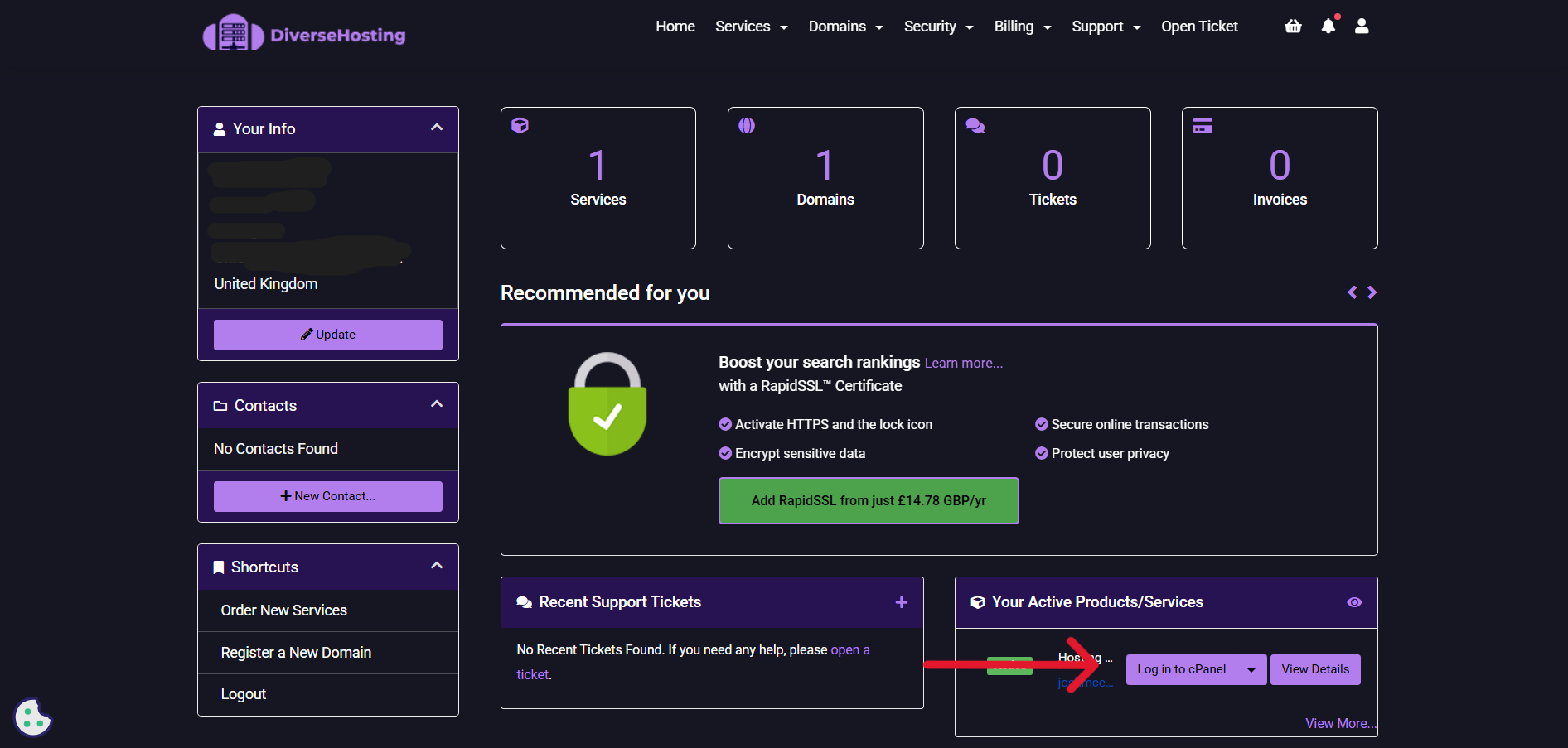
2. Click on 'Log in to Cpanel' (see red arrow for reference)
3. You will now be logged in to your Cpanel.

2. Click on 'Log in to Cpanel' (see red arrow for reference)
3. You will now be logged in to your Cpanel.
