- Log in to the DiverseHosting client area
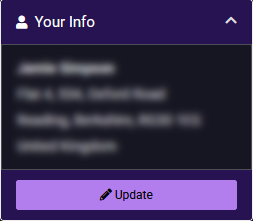
- Click the Update button under the 'Your Info' box.
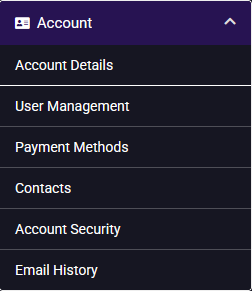
- Click on 'Payment Methods' from the Account menu.
- Click on 'Add New Credit Card'.

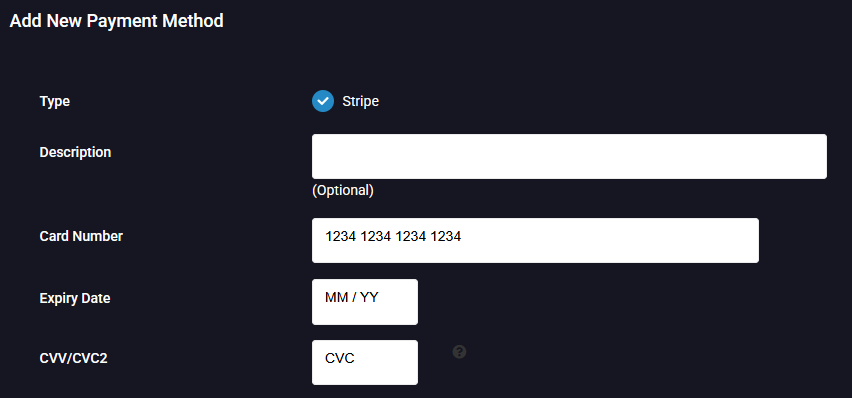
- Enter your card information into the relevant boxes.
- Either check the correct billing address that your is registered to, or select 'Add a new address'.

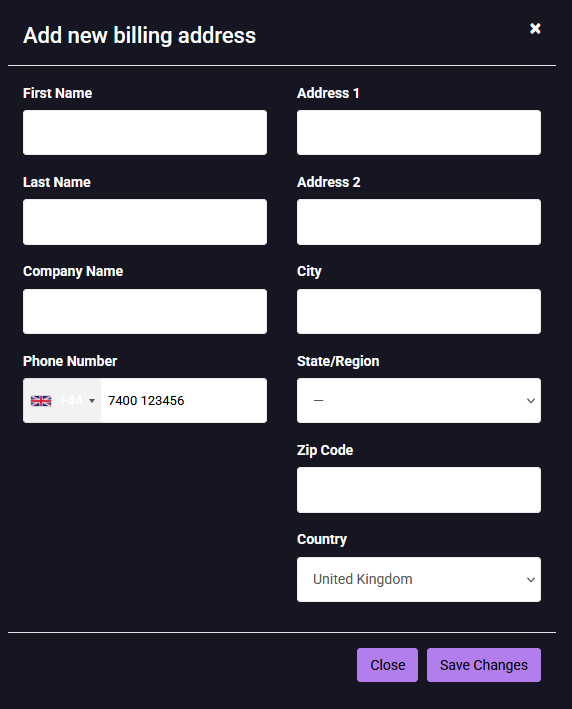
- If you selected to add a new address in Step 6, then enter the details of the billing address into the relevant boxes and click 'Save Changes'.
- Click the 'Save Changes' button to save the credit/debit card info.